FAQ
Docker cannot start
Docker for windows sometimes fails to start.In this case, docker-compose up may not start wasi and Jupyter environment.For solving this situation, Docker app and Docker engine need to be killed from the task manager as below,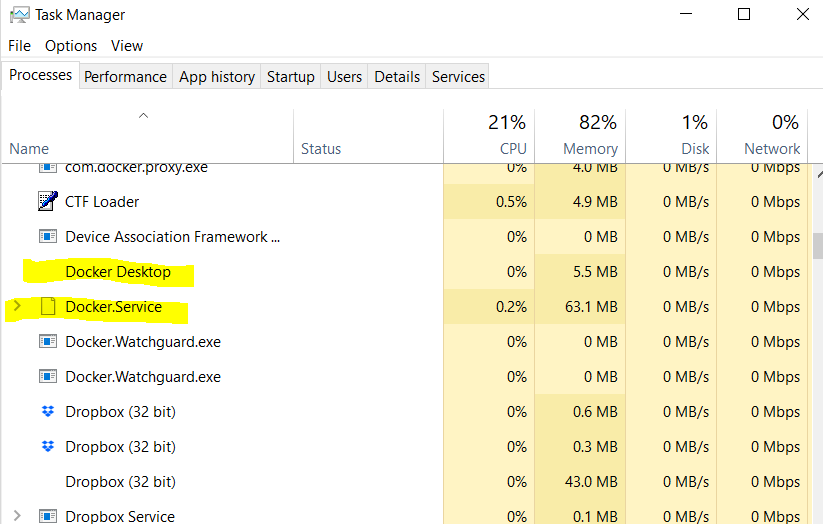 then start docker again from start menu.
Docker may also not be started when Windows update is suspended.So please try restart the computer if killing and restarting Docker does not work.
Parallel usage of VMware
WMware requires to set Hyper-V off.For this, use the command:
bcdedit /set hypervisorlaunchtpye off
on cmd application openned as an administrater and restart your PC.
To re-enable this parameter, use:
bcdedit /set hypervisorlaunchtpye auto
and restart the PC.